
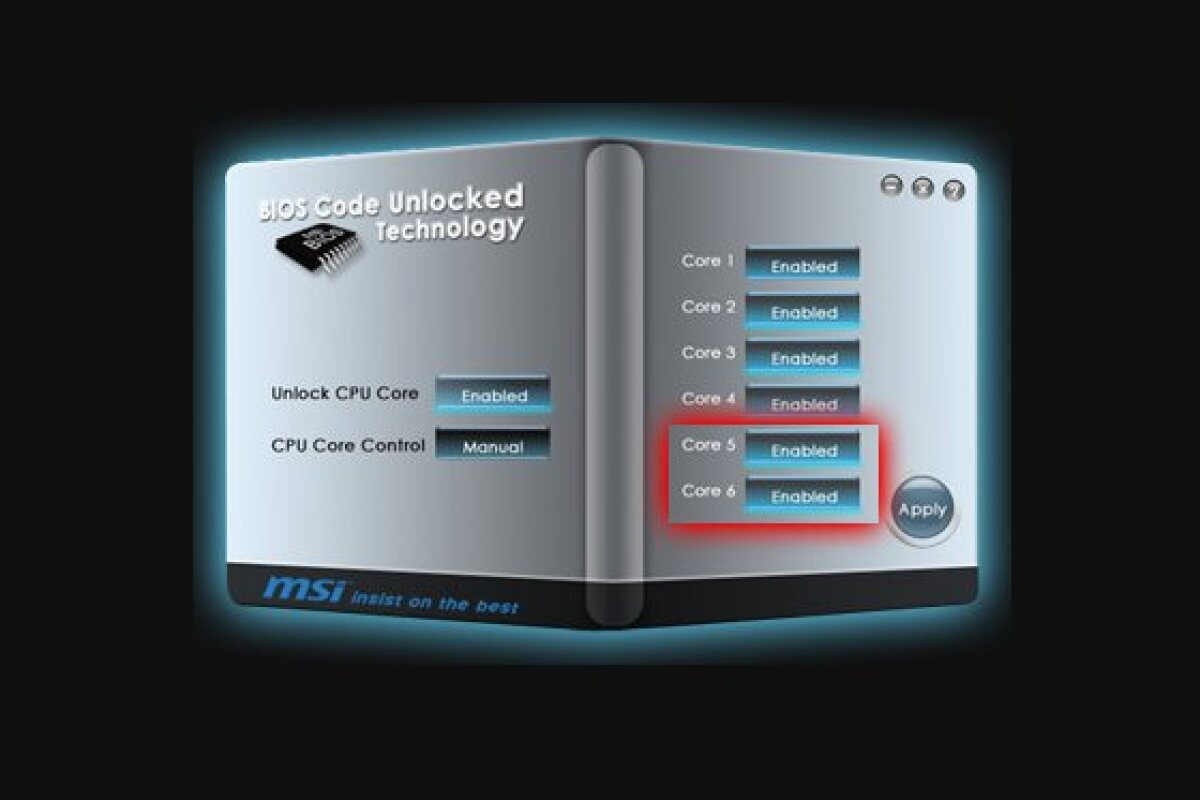



MSI has announced the launch of a Windows-based software tool that puts an end to all that bothersome fiddling around in the BIOS to enable inactive processor cores. The tool lists available cores, and with a few simple clicks on the basic interface and a reboot, a user is able to unleash previously disabled ones.
Thankfully, most users will never have to enter the ASCII zone that is the system BIOS. Those who want a little more from their machine than what factory presets allow, however, generally have had a couple of options. They could try and find a BIOS expert, who would be more than happy to help tweak system settings, but would almost always take the opportunity to explain in great detail just what complicated procedure was being undertaken... or, they could become a system guru and do it themselves.
Users looking to tap into otherwise unavailable processor power now have a third option. Following on from the creation of easy to use overclocking software and the introduction of technology to unlock a four core AMD processor to six cores, MSI's new software tool enables users to unlock processor cores on its 800 series AMD chipset motherboards, without ever needing to go into the BIOS.
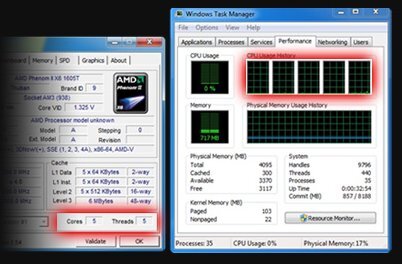
Opening the attractive but basic interface gives users a list of available cores, graying out any that have been turned off. Although there might be a good reason for disabling a core, such as it being faulty, the tool gives the user the power to easily manage available cores. To enable an inactive core, a user just needs to click on the appropriate button, reboot the system and voila - the previously unavailable processor core is brought online.