
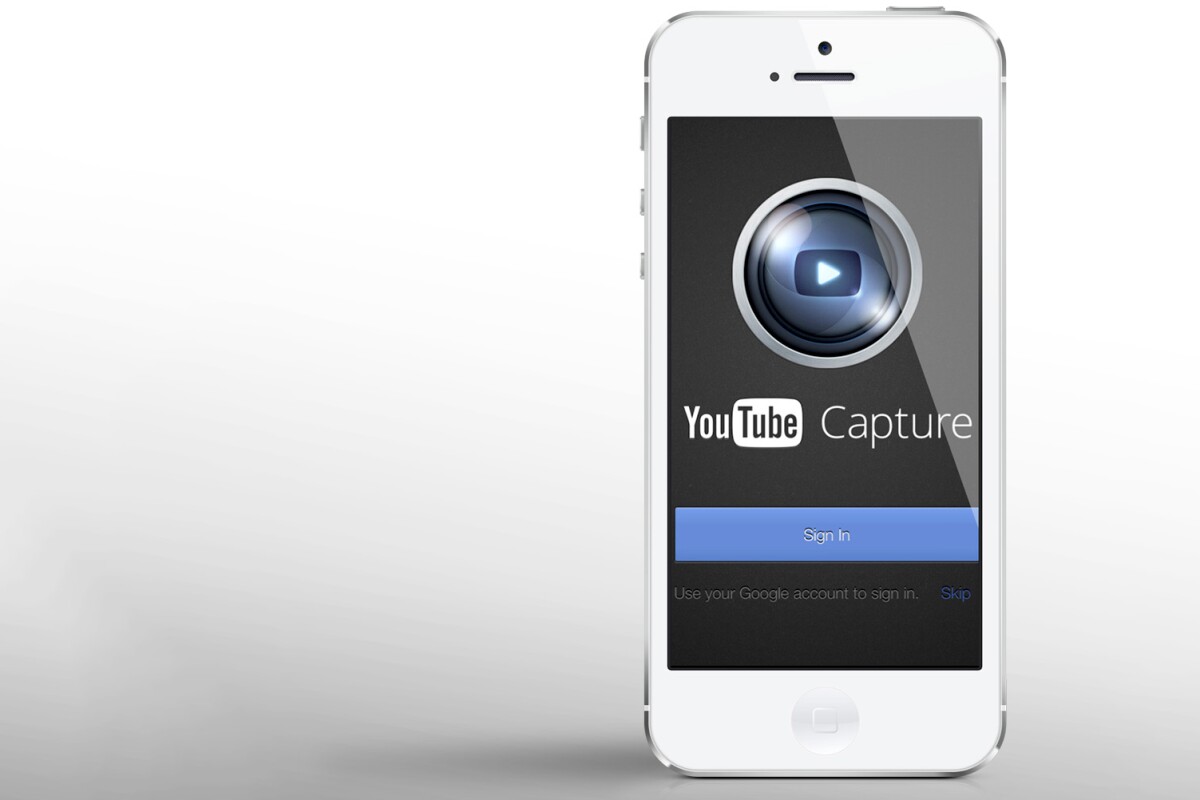



Google's iOS development has been on a roll. Within the last few weeks, the company released a revamped Gmail app, YouTube for iPad, and the much-anticipated Google Maps. The hits keep on coming, as Google's new YouTube Capture app just hit the App Store.
Integrated, simple

YouTube Capture doesn't do anything extraordinary. It's more about how seamlessly it performs existing tasks. Open the app, and it's ready to record a video. Finish recording, and it will instantly upload it to YouTube, or a selection of social networks (Facebook, Twitter, and Google+). It continues uploading after exiting the app. The entire process is quick, smooth, and only requires you to press three buttons.
The app has some nice details. "Landscape lock" will prevent you from recording ugly portrait mode videos (it prompts you to rotate your iPhone). It can also auto-enhance your videos, with color correction, stabilization, and trimming.
Playing both sides

Google is taking a novel approach to mobile app development. Rather than prioritizing Android, it's been pushing out major new apps for iOS first. In addition to this new app, the redesigned Gmail is still iOS only.
Playing both sides fits with Google's advertising-based approach. While Apple focuses exclusively on its own walled garden, Google mines valuable customer data from both platforms. No matter which OS wins the smartphone wars (Android's market share is much higher), Google still profits.
YouTube Capture is free, and can be downloaded from the App Store (link below).
Source: App Store via AllThingsD