



If you were into photography in the 80s or earlier, chances are that you now have a bunch of slides and negatives that have sat forgotten for many years. Should that be the case, or if you even still use analog film, then the Lomography Smartphone Film Scanner might be for you. It allows you to convert 35mm negs and slides into digital images, using your smartphone.
First of all, there are already other devices for digitizing analog film. Because it utilizes the phone’s camera and electronics, however, the Lomography scanner is considerably simpler, smaller and cheaper than most.
To use it, you place your phone on top (with the lens pointing down), feed your film into the bottom, then back-illuminate the images with the scanner’s light panel. Individual slides can be inserted, although they will first need to be removed from their cardboard or plastic mount.
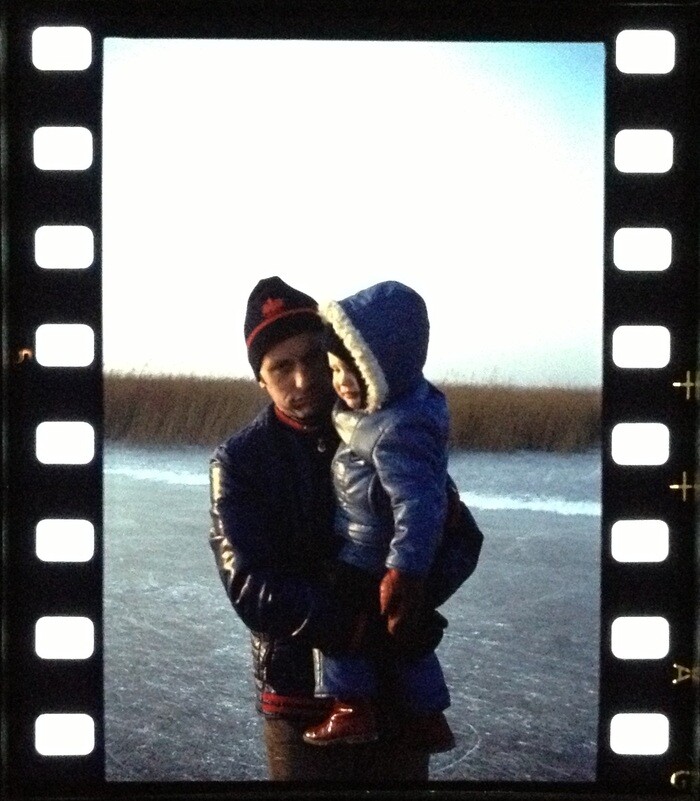
Using an included free app, you then simply take a snapshot of each illuminated image. That app can convert negatives to positives, plus it allows you to create panoramic images from multiple shots of one subject, or to create movies from a series of sequential shots – such as you might obtain using Lomography’s ultra-old-school hand-cranked LomoKino 35mm movie camera.
The scanner itself is designed to work with all iPhones, and most Android phones. The app (which is still in development) will work with both systems.
Lomography is currently running a Kickstarter campaign to raise production funds for the product, and has already more than tripled its funding goal. Pledges are still being accepted, however – US$50 will get you a Smartphone Film Scanner, once they’re ready to go. Be aware, however, that you can also buy the similar and already-available iPICS2GO for around the same price.
More information on the Lomography device is available in the pitch video below.
Source: Kickstarter via Uncrate